

Arduino Support in Vizard
By Jeff Loomis and Sado Rabaudi
Arduino uses its own language which is similar to C++. Instead, Python can be used and the easiest way to do that is having the board and Python communicate with the Firmata protocol. pyfirmata installs directly in the package manager. There's a lot of information on working with Arduino in this article:
https://realpython.com/arduino-python/
Use the following steps to use Arduino with Vizard:
Converting videos with FFMPEG
FFMPEG is a free and open-source project for handling video and other media types that allows a user to modify things such as resolution, file type, sample size and more.
FFMPEG Conversion Steps:
-
Download FFMpeg from here: http://ffmpeg.zeranoe.com/builds
-
Once downloaded, unzip and navigate to the “bin” folder
-
Make sure the video file you want to work with is in the same folder as the ffmpeg.exe file (bin folder)
-
Open a command line window and change directory to the location of where your FFMPEG bin file is by typing “cd” (without quotes) followed by a space and then the address of the folder (may have to place on the “C” drive)
-
In the command window type:
“ffmpeg -i InputFileName.mp4 -f avi -c:v wmv2 -s 4096x1536 -b:v 15000k outputFilelName.avi”
Where “”InputFileName” is the name of your file you are converting, and “outputFileName” is the name of your output file
“15000k” is the bit rate
And “4096x1536” is the resolution size
Connecting Vizard to BIOPAC AcqKnowledge
By Jeff Loomis
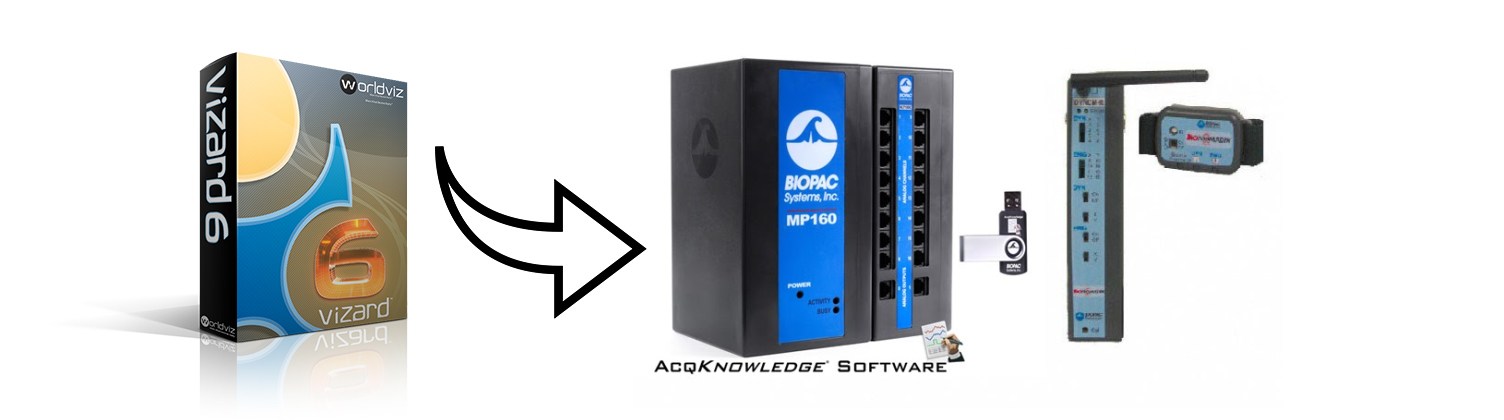
BIOPAC provides a large range of monitoring devices for detecting physical or physiological changes over time. The BIOPAC virtual reality platform provides:
-
Controlled and replicative experimental setups
-
Manipulation of the environment (and avatars) that would be impossible or prohibitively expensive in the real world
-
Synchronization of the events from the virtual world with physiological data
-
Biofeedback data transfer protocol for real-time digital communication, which allows the participant’s physiological feedback to control the VR world
How to Setup an Eye Tracking Experiment using the WorldViz VR Eye Tracking Analytics Lab
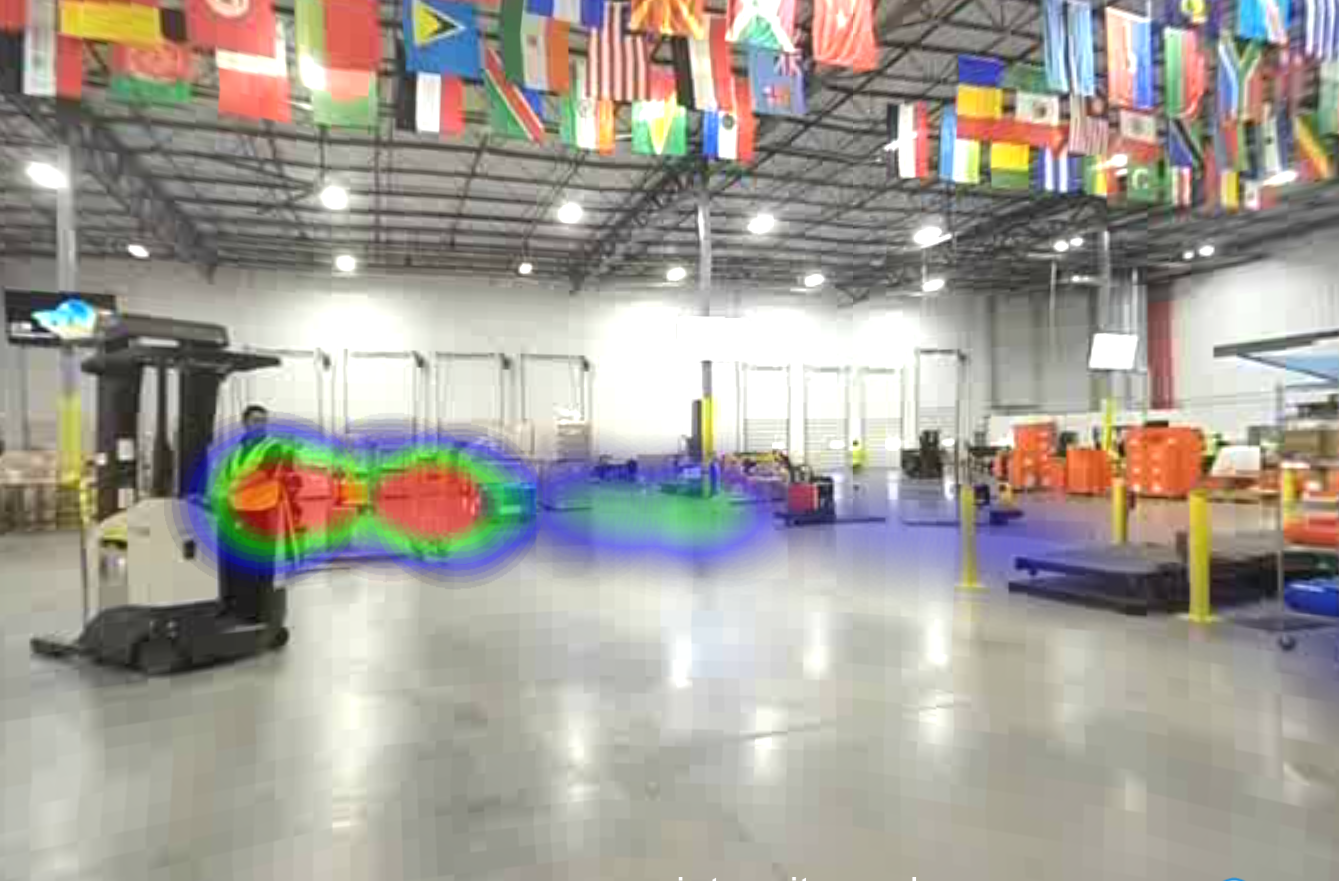
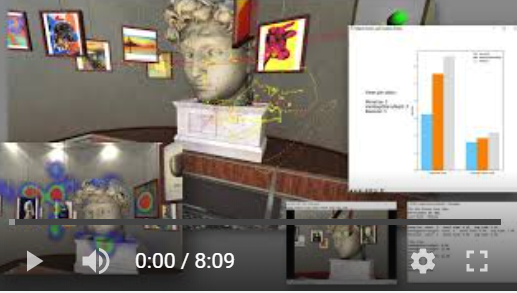
This article will introduce you to the most important features of the WorldViz VR Eye Tracking Analytics Lab and show you how you can easily modify the included template to use your own 3D assets. Once set up, you can collect eye tracking data related to your 3D assets such as number of fixations (as well as average and total fixation time), pupil diameter size, time stamps, gaze intersect visualization and position data, 3D gaze path visualizations, and more! For more information on this or any WorldViz products contact sales@worldviz.com
For a video guide of this tutorial click here
PyQt
PyQt is a Python wrapper around the cross-platform Qt application framework. This post describes how to install PyQt with Vizard. It also includes a sample script showing how to embed the Vizard graphics window inside a PyQt application.
Read more
Using Excel Files in Vizard
With the xlrd and xlwt Python Addon libraries you can easily read and write directly to Excel files (.xls) from Vizard. For complete documentation and examples on using these libraries go to http://www.python-excel.org/.
Read more
Voice recognition
This article describes how to perform voice recognition in Python using the 3rd party pywin32 library along with the Microsoft Speech SDK.
Read more
NetBeans IDE + Vizard
NetBeans IDE is a free cross-platform IDE that supports many programming languages, including Python. This article describes how to configure NetBeans IDE to run Vizard scripts.
Read more
Wing IDE + Vizard
Wing IDE is a commercial cross-platform Python IDE. This article describes how to configure Wing IDE to run Vizard scripts.
Read more
Komodo IDE + Vizard
Komodo is a cross-platform IDE that supports Python. It comes in a free and commercial version. This article describes how to configure Komodo to run Vizard scripts.
Read more